All Star Hardware Options
Opening the Door to AllStar: A Simple Way to Modernize Your Repeater
For many repeater owners, AllStar can feel like something “other groups” use — big linked systems, complex controllers, or statewide networks. But the truth is much simpler: any repeater in Iowa can join the AllStar ecosystem with a small, stand‑alone node and a single radio. No major rebuilds, no controller replacement, and no need to run a full‑time computer.
A basic AllStar node can sit quietly at your site, connected to your repeater through a simple accessory cable or directly to a dedicated link radio. Add a small Yagi or directional antenna, and you’ve created a clean, reliable RF link into the AllStar network without touching your main repeater hardware.
What makes this especially appealing is how accessible the hardware has become. Solid, field‑proven radios like the Motorola GM300 or Maxtrac make excellent link radios. Repeater‑Builder and other vendors offer compact, purpose‑built interface boards that handle audio, PTT, and COS cleanly. And the entire setup can be built to match your site’s needs — from a low‑power link node to a rugged, rack‑mountable solution.
While there are countless ways to build an AllStar node, we wanted to share a few of the basics we’ve learned along the way — simple, proven options that make it easy to get started, with the added benefit of having the broader K0IRO community available to help.
At our repeater site in Mingo, the K0IRO AllStar hub runs on a Lenovo Mini PC paired with a Repeater Builder RIM‑LITE specifically built for our ARCOM controller. We chose this route for a couple of reasons. While a Raspberry Pi could have hosted AllStar, we wanted a bit more horsepower for linking and voice announcements. A cron‑driven script announces the date, time, and weather each day — something we’ll cover in a future post. And since we have internet at the repeater site, there was no need for a separate “link radio” at another location.
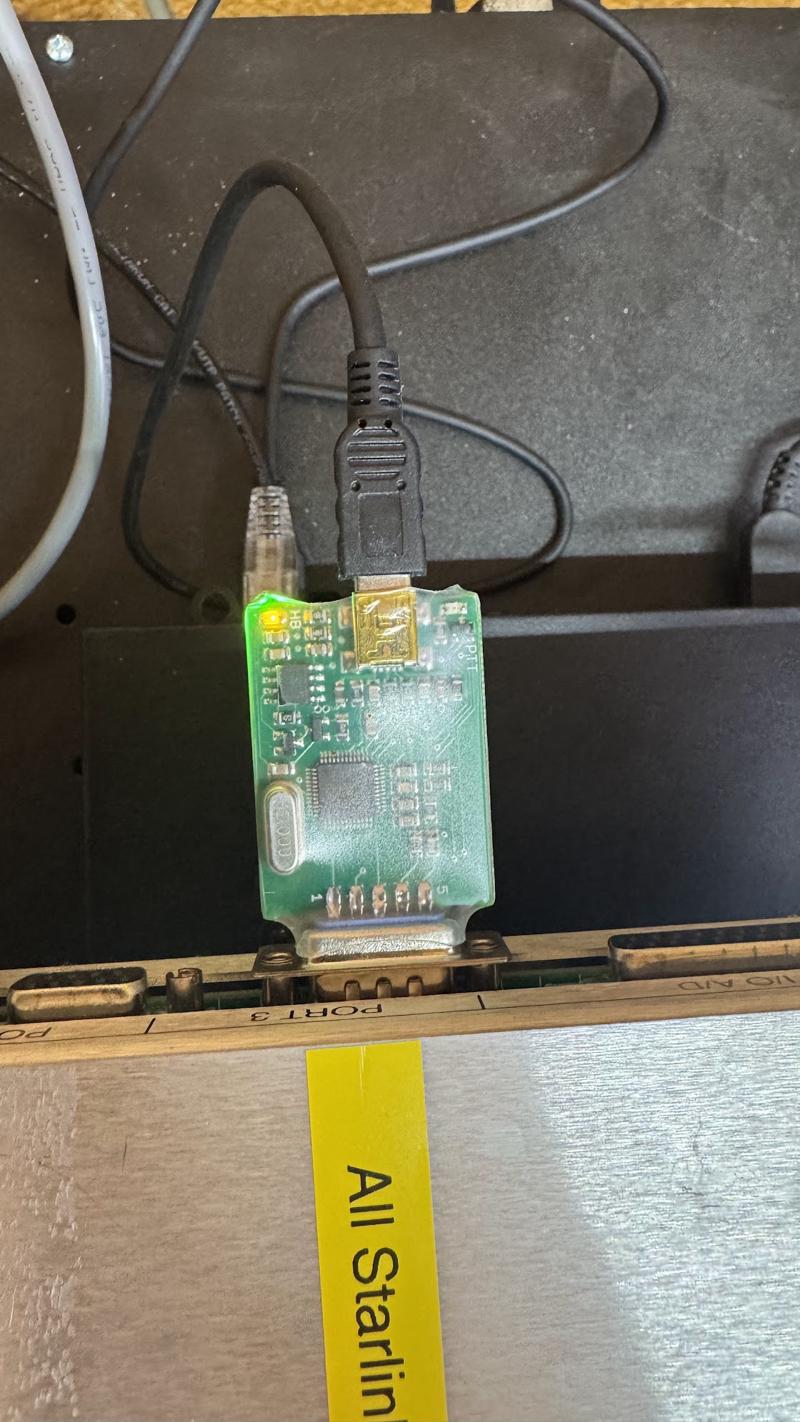
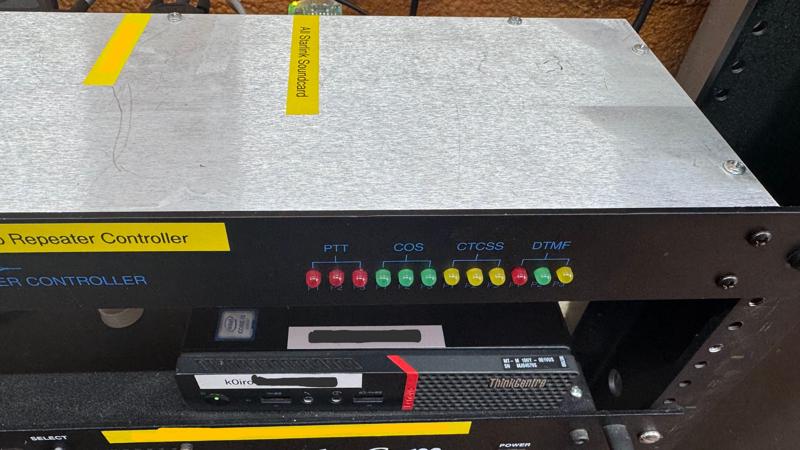
The RIM-LITE for Repeater Controllers also supports SCOM and RLC too. Here are some examples of an RLC Controller
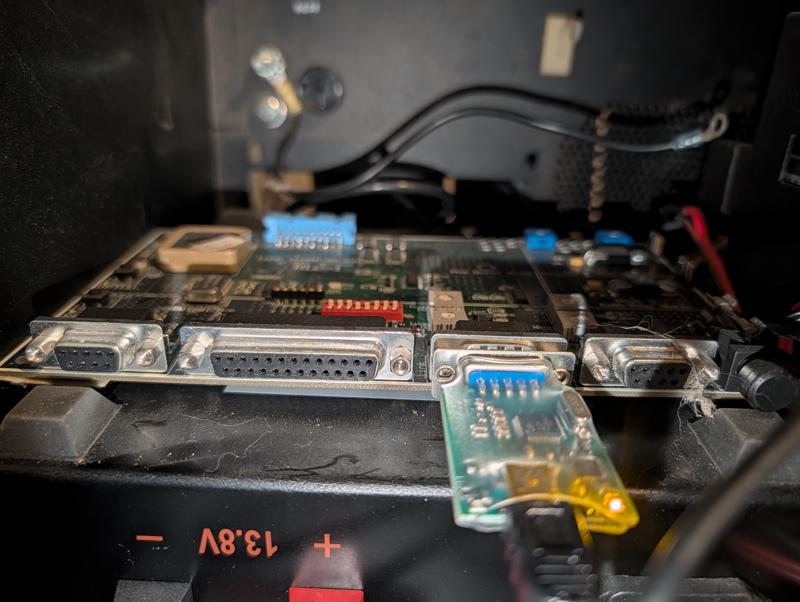
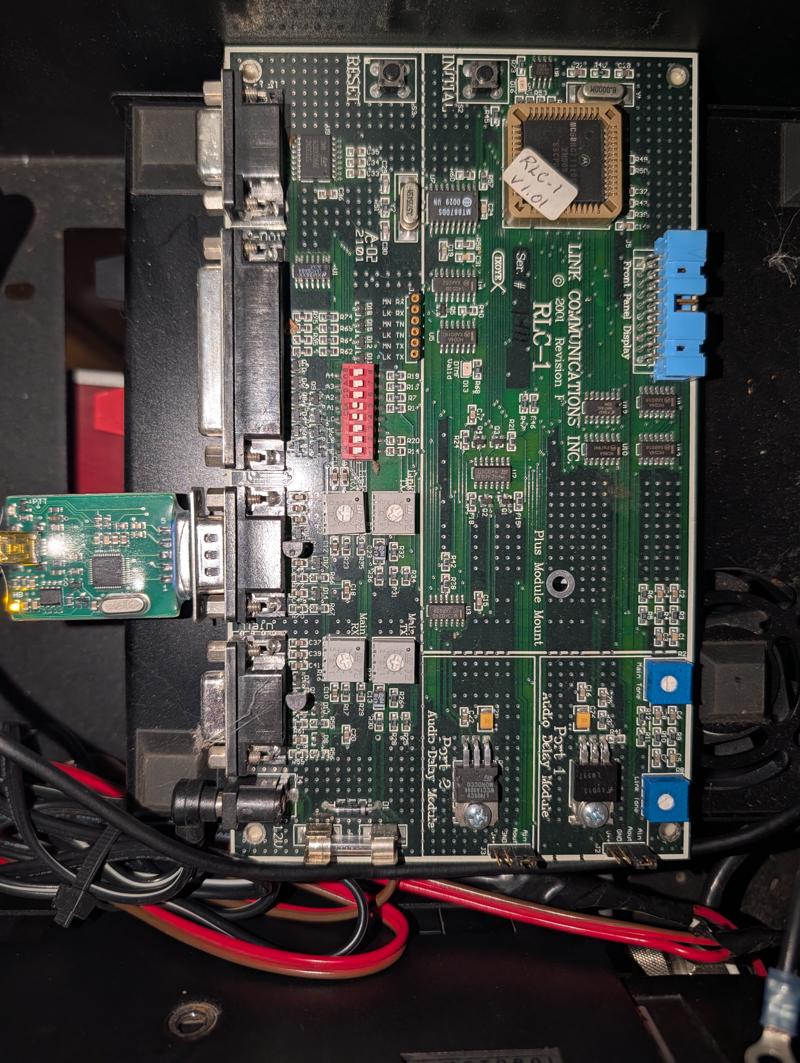
This is a great option if your site has reliable internet access. The only caveat is that AllStar requires a public‑facing IP address or appropriate port forwarding. We’ll cover those details in another write‑up.
But what if you don’t have internet at the shack? No problem. AllStar can still be used by pairing the node with a radio programmed to your repeater’s frequency pair. The node can then link into the network from a different location with internet access.
One Iowa operator shared a couple of examples from their own setup:
First up is the RIM‑LITE‑MAXTRAC, again from Repeater‑Builder. This is an easy interface option for Motorola radios because it uses the 16‑pin accessory connector on the back of the radio, offering CTCSS and COS options, channel steering (if supported), and clean TX/RX audio paths.
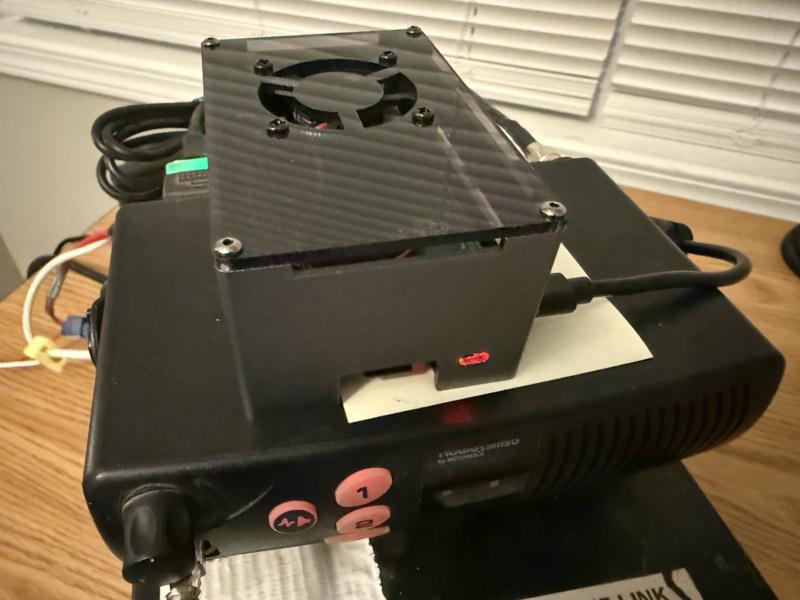
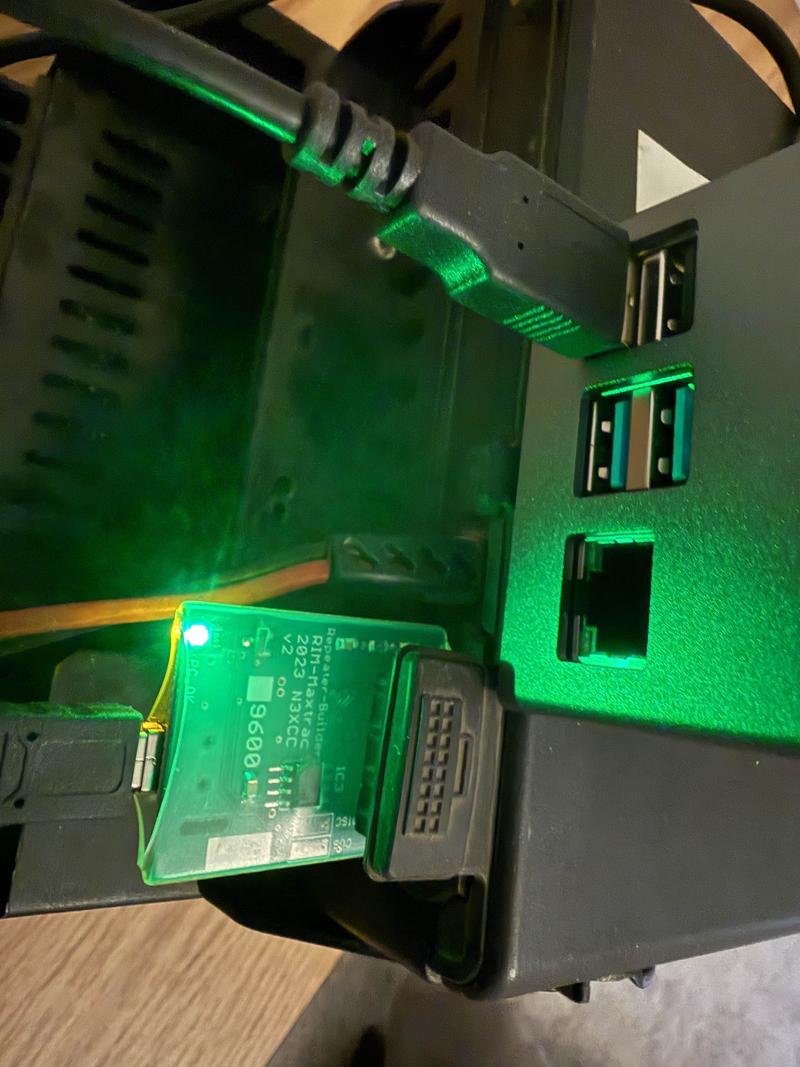
Another option is the Node Ventures ClearRPT. This node uses Node Ventures’ software and supports AllStar along with several digital modes. It includes a companion app for configuration, so you don’t have to dive into the Linux command line to change modes or connectivity options.
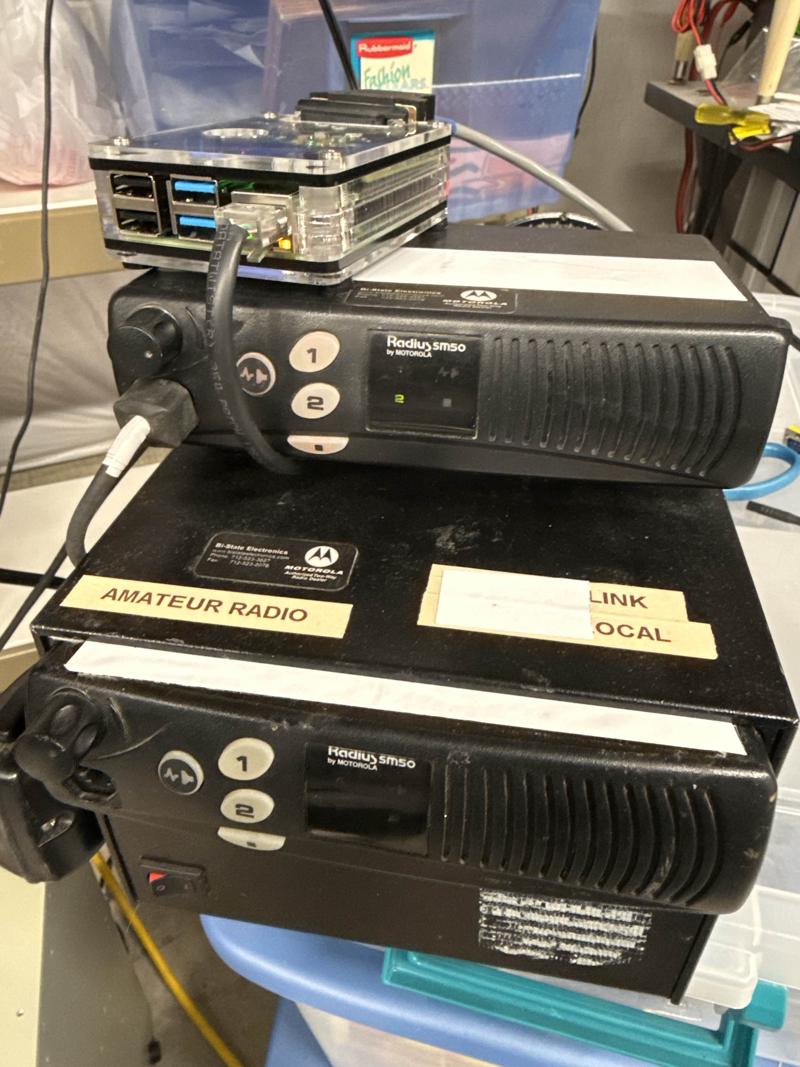
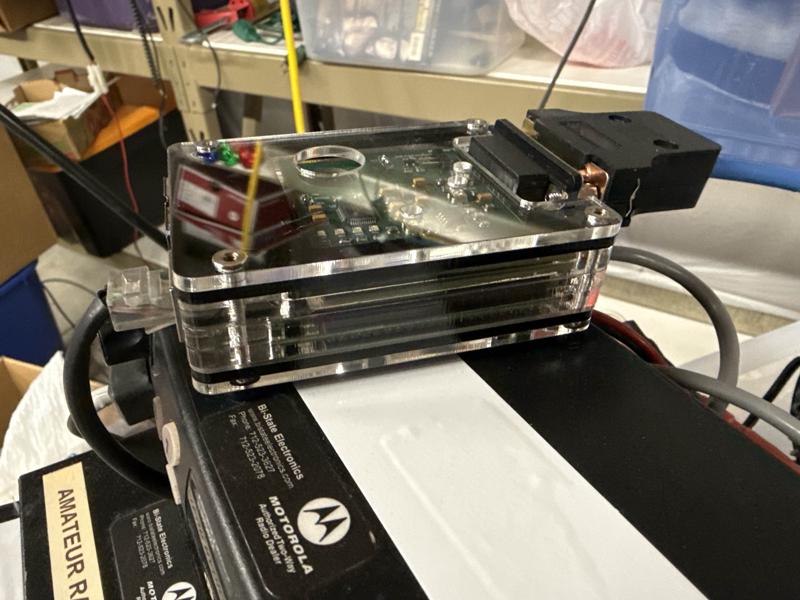
These nodes are typically placed at strategic locations with internet access, using Yagi antennas pointed toward the repeater site to create a reliable RF link.
As we wrap up, if you have any questions, we’d love to talk with you about options and how AllStar could have a positive impact on your repeater and local communications. Email me at [email protected] and let’s start a conversation.
And stay tuned — we’ll soon be sharing some exciting news about K0IRO All Star Hub1, a new statewide AllStar resource designed to make linking, nets, and inter‑repeater coordination even easier for Iowa operators. That announcement deserves its own post, but consider this your early heads‑up.